
A Google Algorithm Impact Checker is a tool or methodology used by website owners and SEO professionals to determine if a change in search engine rankings or traffic coincides with a specific Google algorithm update.
Top Google Algorithm Impact Checkers
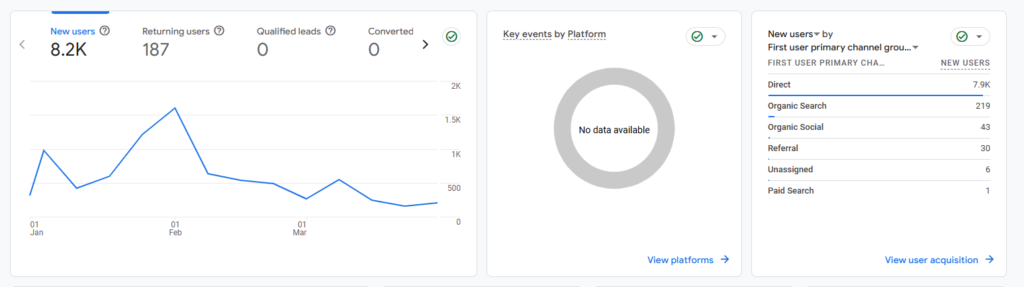
- WDG’s Google Algorithm Impact Checker: Super Web Development’s AI team have build a free to use tracker that build to sense each and every aspect of release algorithm since 2023 to 2026 latest!
- Semrush Sensor: A free-to-view volatility tracker that measures daily changes in search results across various industries. High volatility scores often signal an unconfirmed or confirmed Google update.
- Google Search Status Dashboard: The official source for tracking the rollout status of major Google updates, including Core, Spam, and Review updates.
- Panguin Tool: A popular free tool by Barracuda Digital that overlays Google’s known algorithm update dates on top of your Google Analytics data to visualize exactly when your traffic dropped or spiked.
- Delante Google Update Checker: This tool integrates with Google Search Console to map your site’s impressions against major update timelines, helping you identify which specific update may have caused a performance shift.
- AIOSEO Search Statistics: A WordPress-specific solution that shows Google update markers directly on your site’s performance timeline within your dashboard.
- Sistrix Google Update Checker: A specialized tool that allows you to enter a domain and immediately see how its visibility reacted to specific historical core updates.
How to Manually Check for Impact
- Monitor Volatility: Use tools like MozCast or Advanced Web Ranking to see if there is “weather” (high volatility) in the general search results.
- Verify the Date: Cross-reference your traffic drop date with the Search Engine Roundtable or the official Google Search Liaison X (Twitter) account for confirmed or suspected update news.
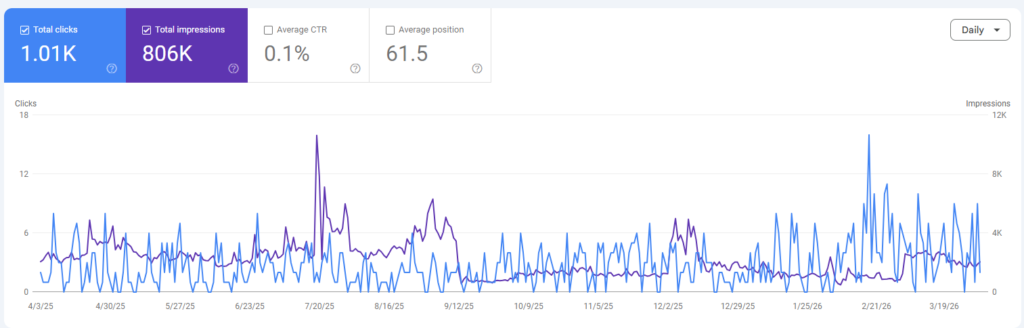
- Analyze Search Console: Go to Google Search Console and compare your “Performance” data for the period before the update vs. the period after. Look for drops in specific pages or keyword clusters rather than just sitewide traffic.
- Identify the Update Type:
- Core Updates: Usually affect site-wide authority and content relevance.
- Spam Updates: Target low-quality content or manipulative link-building.
- Helpful Content Updates: Focus on whether content was created for humans or just for search engines.
What to Do If You Were Hit
- Wait for the Rollout: Major updates can take 2–4 weeks to complete. Do not make drastic changes until the rollout is officially finished, as rankings often fluctuate during the process.
- Review Google’s Documentation: Google provides specific guidance on how to recover from core updates by focusing on E-E-A-T (Experience, Expertise, Authoritativeness, and Trustworthiness).
- Audit Impacted Pages: Compare your pages that dropped with the ones that rose to the top. Look for differences in content depth, user experience, and how well they answer the user’s intent.

Written by
WDG OfficialSuper Web Development LLP (WDG) is a full-service digital agency specialising in SEO, web development, AI automation, and enterprise solutions. Our free SEO tools are used by thousands of businesses worldwide to improve their organic search visibility.